Searching "mobile app reviews" can mean three different jobs, and most guides answer only one of them without saying so. A shopper wants to know whether an app's star rating can be trusted before they install it. An app owner wants to know how to collect more reviews, or what to do when the reviews turn hostile. A third group wants to get paid to write reviews or test builds before launch. The mechanics differ enough that advice for one group is often wrong for another.
| Job | Who's acting | What "success" looks like |
|---|---|---|
| Choosing an app | Shopper reading the listing | Spotting a rating that reflects real, recent use |
| Managing an app's reputation | Developer or product owner | Turning complaints into fixes, replies, and recovered rating |
| Getting paid to test | Tester or small QA contractor | Finding defects before the public does, for a fee |
The rest of this covers all three, in the order problems usually actually happen: a bug ships, support goes quiet, the rating becomes statistically shaky, and — earlier than any of that — someone could have paid testers to catch it first.
A defect ships in a release

A bad release is one of the most visible reasons a rating moves sharply in a short window, because the sequence is predictable enough to read backward from the stars:
- A defect ships in a release — a crash on a specific device, a broken checkout flow, a feature that silently fails.
- Users hit the crash or the broken function during normal use, not during testing.
- They post reviews naming the specific problem, usually within days of the update.
- The store's average rating drops, because new one-star reviews are heavily weighted against a thin recent sample.
- The developer replies publicly, acknowledging the issue, and ships a fix in the next update.
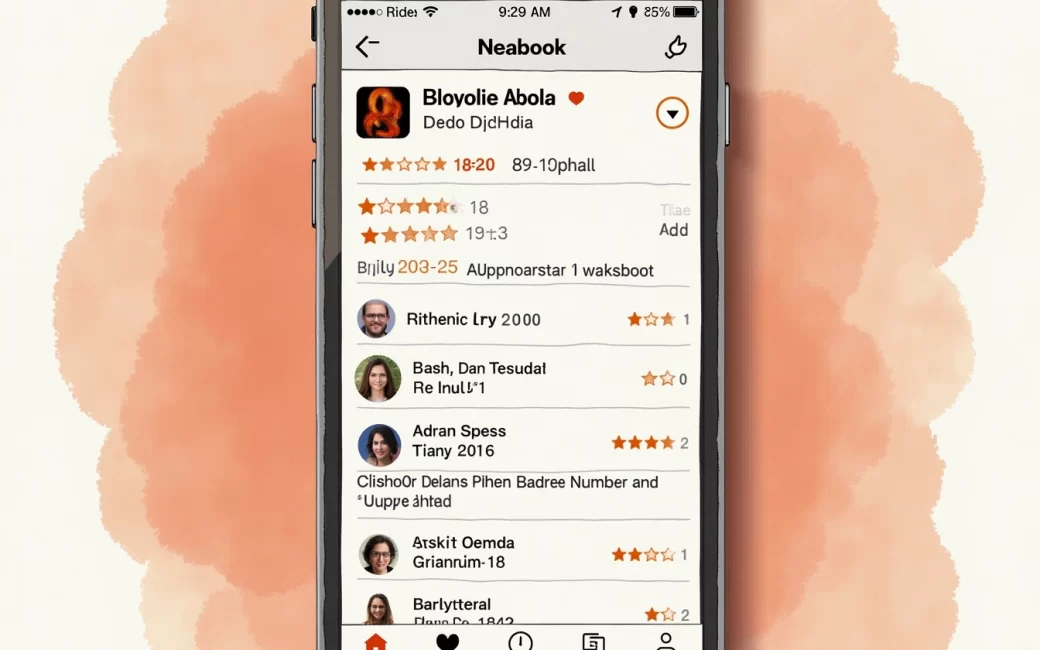
Public developer replies are visible in the same listing as the complaint on both major stores. The App Store review pages for apps like Mobile Detective and BisB Mobile show this pattern directly: individual one- and two-star reviews sit next to a developer response addressing the specific complaint, which gives a shopper a way to check whether a named bug was acknowledged and whether it was fixed in a later version.
This matters for reading ratings, not just managing them. A cluster of low-star reviews that all name the same crash, followed by a developer reply and then a gap in similar complaints, usually means the defect is resolved. A shopper who only looks at the aggregate star number misses that the recent trend is upward, not downward.
Support requests go unanswered

A support problem and a product problem produce different review text, and the fix for each is different. When support requests go unanswered, the complaints in new reviews shift: instead of naming a crash or a missing feature, they describe waiting days for a reply, getting a form response, or never hearing back at all.
The app's feature set — the functions it actually offers — hasn't changed, and that's exactly the point. Review text that names a missing or broken feature is a product complaint; review text that names a slow or absent support reply is a service complaint, and the two get mixed together under one star number even though they call for different fixes:
- Product fixes — triage the bug, reproduce it on a specific device and OS version, ship a patch, reply to the review that named it.
- Service fixes — reduce response time, staff the support channel that's actually backed up, and reply to reviews even when there's no code change to announce, since an acknowledged complaint reads differently than an ignored one.
Usability shapes a third kind of review text that sits alongside both. Complaints about confusing navigation, a checkout that takes too many taps, or settings a user can't find read differently from a crash report or an unanswered ticket — nothing is broken and nobody went unanswered, but the task was harder than it should have been. A shopper scanning reviews can use this distinction directly: a string of "nobody answered my ticket" reviews says the app itself probably works; a string of "it crashes every time I open it" reviews describes a product defect; a string of "I can't figure out how to do X" reviews describes a usability problem that a support reply won't fix and that may persist across several versions until the interface itself changes.
Low review volume makes a star rating unreliable
A rating built on a handful of reviews is not a reliable summary of anything. A single extra one-star or five-star review can move the average by a visible amount when the total count is small, which is why the same numeric score means different things depending on sample size, recency, and whether the reviews are tied to a specific version.
Three things worth checking before trusting a number:
- Volume — a 4.8 average on a dozen reviews carries far less information than a 4.3 average on several thousand.
- Recency — reviews from an old major version may no longer describe the current build, especially after a defect like the one in the first section has been fixed.
- Version tags — many store listings show which app version a review was written against, which lets a reader discount complaints that predate a fix.
When volume is the problem, owners sometimes add an in-app prompt asking satisfied users to rate the app, or route feedback through a dedicated review and feedback platform, as described in agency case studies like EasyReview, which was built specifically to collect and surface customer feedback for a mobile product. Done this way, volume rises because more real users are weighing in, and the average becomes more representative rather than less.
The same number can be reached by a different, less legitimate route. Marketplace threads exist specifically for buying Google Play and App Store reviews, and the existence of that market is itself evidence that inflated ratings are common enough to be worth checking for. An app owner weighing the two paths is weighing a rating built from real, varied review text against one built from reviews that read generically and arrive in unnatural clusters — a pattern a shopper can use in reverse: a very high score, a burst of volume in a short window, and repetitive five-star text with no specifics is worth distrusting regardless of the headline number.
Pre-launch uncertainty about quality
Before any of the above happens, there's a cheaper point to intervene: before the app is public at all. Pre-launch uncertainty about quality is normal — a team can run every internal test it has and still not know how the app behaves on a device, carrier, or OS combination it didn't check.
Commissioning paid testers to trial the build before release is the direct answer to that uncertainty, and it's also the direct answer to a question no amount of general advice settles well: what paid app testing actually costs. There isn't one number, because the range depends on what's being bought:
- Individual testers, paid per session or per bug reported, are the cheapest option and suit narrow checks — does the app install, does one flow work, does it crash on one device.
- Small QA contractors, paid hourly or per test cycle, cover broader device and OS matrices and typically produce written defect reports rather than star ratings.
- Agencies that build and test as one engagement, like the development and review work described in the EasyReview case study, fold testing into the build cost rather than pricing it separately.
The trade a team is actually making is paid testing now versus absorbing public one-star reviews later. A defect found by a paid tester costs a fee and a delay. The same defect found by the public costs a cluster of reviews like the ones described in the first section, a visible drop in the aggregate rating, and a developer reply written under pressure instead of on schedule. Fewer defect-driven negative reviews after launch is the measurable payoff of the earlier, smaller spend.
Mobile app review
A mobile app review is a short, user-written evaluation of an app, almost always paired with a numeric star rating, published directly on the app's store listing or on a third-party review platform. It's written by whoever installed and used the app — not by the developer, and not, in a legitimate review, by someone paid specifically to post it.
The mechanics are mostly the same across stores: a reviewer who has installed the app can leave a star rating and optional text, and can usually edit or delete that review later. Listings such as Mobile Detective and BisB Mobile show each review displayed with a visible developer reply attached beneath it, which is what makes the defect-to-fix loop described earlier visible to a shopper — the acknowledgment and the complaint sit in the same place. Review platforms built for other product categories show the same structure: star rating plus text plus a vendor reply, as in listings like Superfans on the Shopify App Store, where each review carries a rating, a written comment, and a visible merchant response.
Reading a review usefully means treating the star number as a summary of many individual judgments, not a single fact. The text underneath is where the specifics live — the version, the device, the exact complaint — and that text is what tells a reader whether an old one-star review predates a fix or describes a problem that's still current.
App store listing
The app store listing is the page — on the Apple App Store, Google Play, or a specialized store like the Shopify App Store — where an app's description, screenshots, star rating, and individual reviews are all collected in one place. It's the aggregation point: every review written about an app funnels into the rating shown at the top of this page, and every developer reply appears attached to the review it answers.
Different listings surface slightly different information. Some show a rating breakdown by star count, letting a reader see how many five-star versus one-star reviews make up the average rather than just the blended number. Some tag reviews by app version. Business and productivity listings, such as the mobile CRM apps compared in Larksuite's round-up, are reviewed against the same basic structure — rating, text, developer reply — as any consumer app, even though the specific features being praised or criticized differ by category.
Before installing anything, the listing itself is the primary source worth checking directly, rather than a secondhand summary of it: the current average, the recent review volume, whether recent text names a problem that's since been addressed in a developer reply, and whether the complaints cluster around the product, around usability, or around support response time. That reading takes a few minutes and tells a shopper more than the headline star number alone ever will.