An unexplained recurring Apple charge appears on a payment method
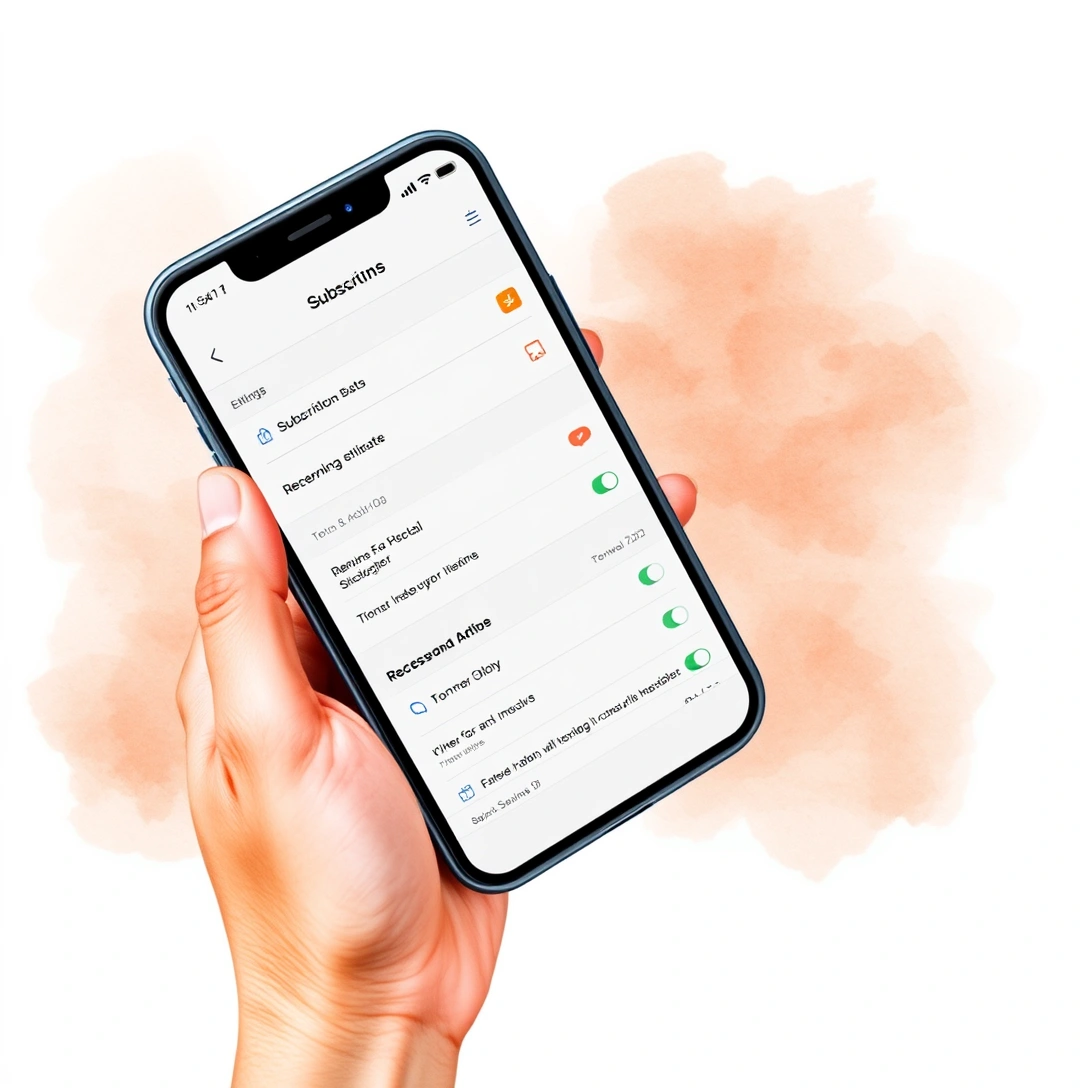
A charge labeled "APPLE.COM/BILL" or similar on a bank or credit card statement almost always traces back to a subscription tied to an Apple Account — App Store purchases, iCloud+ storage, Apple Music, Apple TV+, or an in-app subscription bought through an iOS app. The fastest way to identify it is not to call a bank first, but to check the account that made the purchase.
- Go to appleid.apple.com or open Settings on an iPhone and tap the Apple Account banner at the top; on a desktop, sign in through account.apple.com rather than the general apple.com storefront.
- Complete two-factor authentication if prompted — a code sent to a trusted device or number.
- Open Media & Purchases, then View Account, or check Subscriptions directly to see every active recurring charge, the renewal date, and the price.
- Match the charge amount and date against the statement line.
- Tap the subscription in question and choose Cancel Subscription if the charge is unwanted, or Manage to change tier.
This resolves most mystery charges without a support call, since the purchase history page shows the exact app or service, the billing date, and the amount for every transaction made with that Apple Account.
A device is bought from an unauthorized reseller
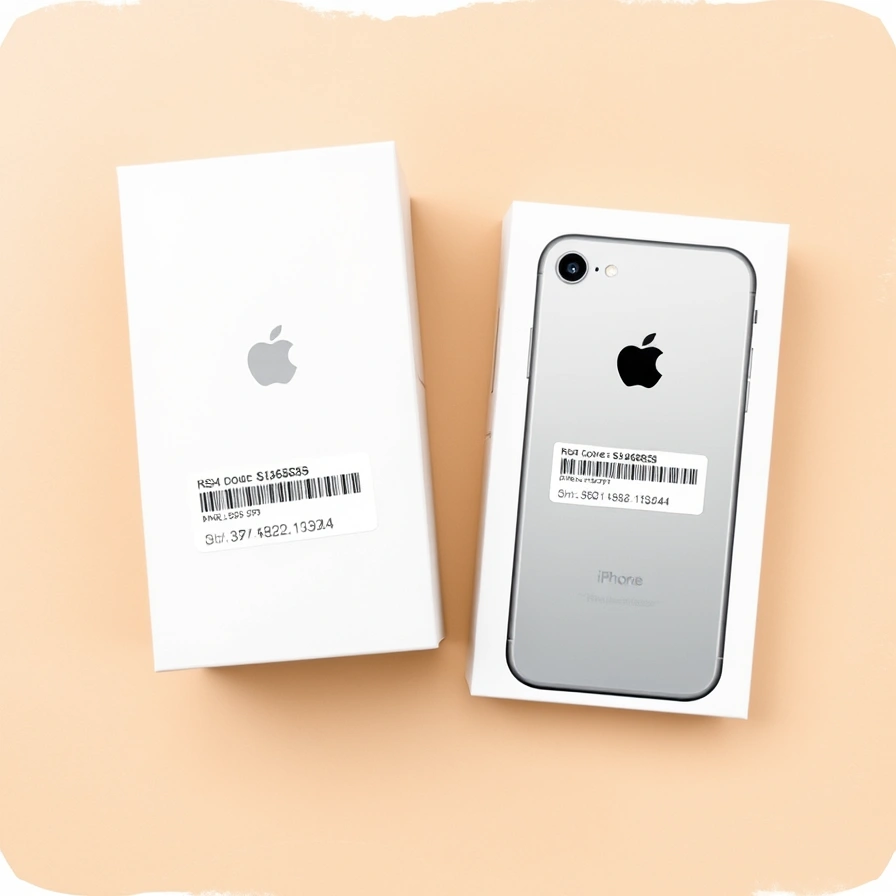
Buying an iPhone from a reseller outside Apple's own channel or its listed authorized retailers carries a real risk that the unit is refurbished, grey-market, or outright counterfeit, even when it's advertised as new. The device may lack a valid warranty, may have been activation-locked by a previous owner, or may not match the specifications advertised.
The way to check is to look up the serial number rather than trust the listing. Every iPhone has a serial number in Settings → General → About, or printed on the original box, and that number can be entered into Apple's coverage and warranty lookup to confirm it's a genuine Apple-manufactured device and to see whether it's still under the standard warranty or AppleCare. If the lookup returns no result, returns a different model than advertised, or shows the device already registered as reported lost or stolen, that's a signal to return it rather than activate it.
Buying directly from Apple's own store, or from a carrier's own storefront such as AT&T's iPhone Air page, removes this risk category entirely, since the device ships new, sealed, and already tied to a documented purchase record.
Apple announces a new iPhone or Apple Watch Series
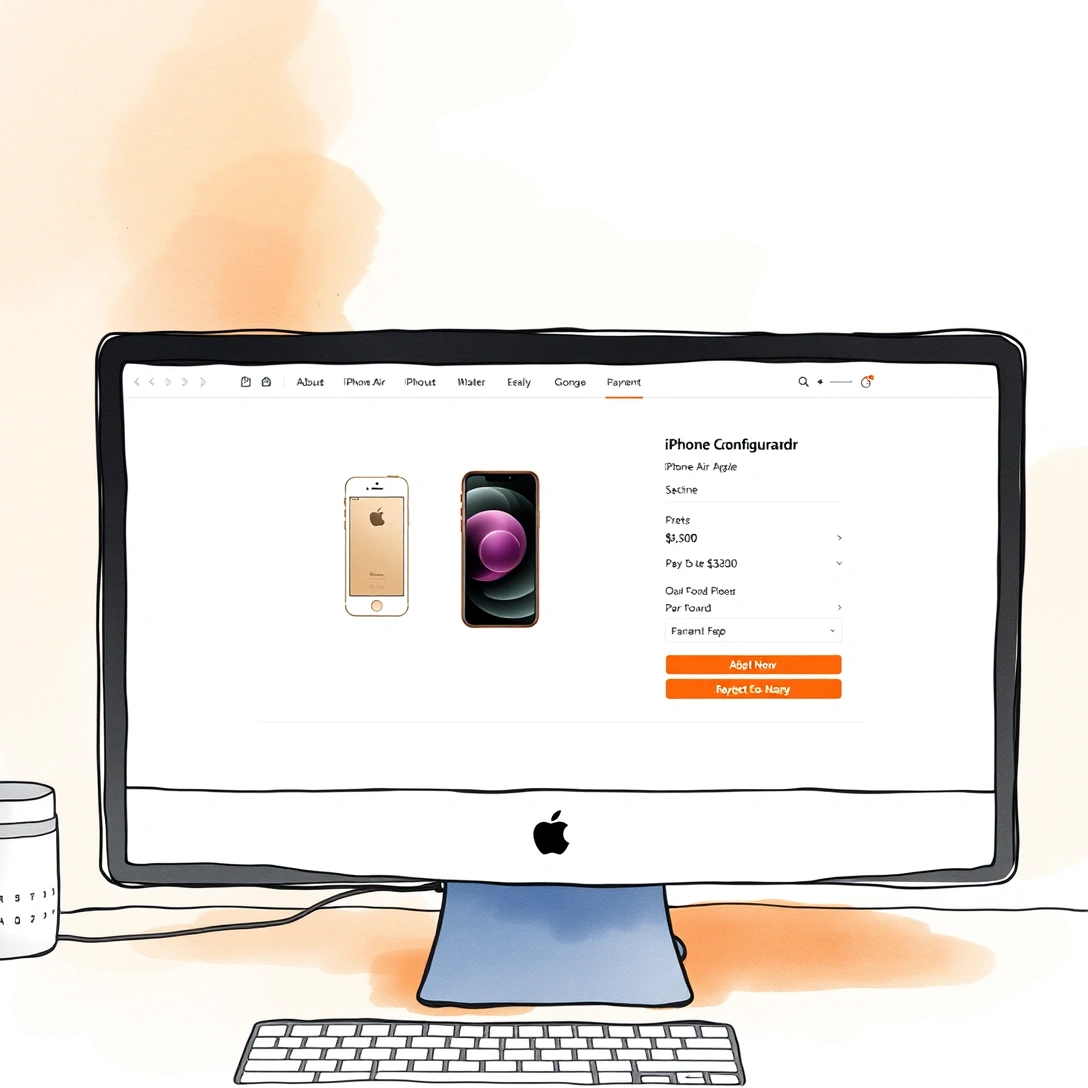
A new iPhone or Apple Watch generation typically follows a predictable sequence: an announcement event, a short pre-order window, then a general on-sale date, with in-store availability sometimes trailing online shipping by a few days. The iPhone Air's own launch followed this pattern as part of Apple's broader iPhone lineup refresh.
During the pre-order window, apple.com lets a buyer configure storage tier and color, and apply trade-in credit or a gift card at checkout before the card is charged. Trade-in value is estimated at that point and finalized once Apple inspects the returned device, so the amount shown at checkout is provisional, not guaranteed. Orders placed in the earliest hours of a pre-order window are the ones most likely to ship on the stated availability date; later pre-orders may show a shipping estimate that slips by one to several weeks.
- Pre-order opens: configuration and trade-in estimate locked in, card not yet charged
- Order ships: card is charged, tracking becomes available
- General availability: walk-in stock appears at Apple Store and carrier locations, though selection by color and storage tier is often limited on day one
Apple.com
Apple.com is Apple's official website and the umbrella domain for everything from product marketing pages to the storefront to support articles, but it is not a single monolithic site — it federates several distinct subdomains that behave differently. The public-facing marketing page for a given device, such as the iPhone Air product page, lives directly under apple.com and shows specifications, pricing, and colors, but it is not where an order, an account, or a support case is actually handled.
Knowing which subdomain does what avoids most of the confusion readers run into when searching for "the Apple website":
| Subdomain | What it handles |
|---|---|
| apple.com | Product marketing pages, specs, pricing |
| store.apple.com (Apple Online Store) | Configuring, ordering, trade-in at checkout |
| account.apple.com | Apple Account sign-in, purchase history, billing, subscriptions |
| support.apple.com | Warranty and serial number lookup, repair scheduling, technical articles |
Bookmarking the specific subdomain for the task at hand — billing questions to account.apple.com, warranty questions to support.apple.com — is faster than starting from the general homepage each time.
Apple Account (Apple ID)
An Apple Account (the sign-in still commonly called Apple ID) is the single credential that ties together purchases, subscriptions, device backups, and billing history across every Apple service. Signing in once at account.apple.com or through Settings on a device gives access to purchase history, payment methods on file, and subscription management in one place, rather than needing to check each app or service separately.
Because this account is also the one used to buy a new iPhone on the Apple Online Store, redeem trade-in credit, and register a warranty claim, keeping its contact email and phone number current matters more than it might for a typical retail account — it's the account Apple will use to confirm a support case, verify a purchase, or send a two-factor code.
Two-factor authentication
Two-factor authentication is a required security step for signing in to an Apple Account from a new browser or device: after entering a password, Apple sends a one-time code to a trusted device or phone number, and that code must be entered before the sign-in completes. It cannot be turned off on accounts created more recently, and it's the same step that guards billing history, purchase records, and Find My data.
If a code doesn't arrive, the practical order of things to try is:
- Check that the trusted device is signed in to the same Apple Account and has a working data or Wi-Fi connection, since codes are pushed to the device, not sent as a generic text in every case.
- Request the code again, since a delayed push notification is the most common cause.
- Try the "didn't get a verification code" option on the sign-in screen, which can offer a phone call or SMS to a trusted number instead.
- Check the device's date and time are set automatically, since a clock that has drifted can cause code verification to fail silently.
- If none of that works, use another trusted device already signed in to generate the code from Settings directly rather than waiting for a push.
Apple Online Store
The Apple Online Store is the transactional layer of apple.com — the section where a shopper actually configures a model, storage tier, and color, applies trade-in value or education/business pricing, and pays, as opposed to the marketing pages that only display specifications. For the iPhone Air specifically, the configurator on Apple's product page links straight into this checkout flow, where a buyer can also add AppleCare+ before completing the order.
Buying through this store rather than a third party keeps the trade-in estimate, financing options, and return window all inside the same checkout, and the confirmation email that follows becomes the proof of purchase needed later for warranty or return claims.
Buying direct from Apple
Buying direct means placing the order on the Apple Online Store or in an Apple Retail Store, rather than through a marketplace listing, a classifieds ad, or a reseller with no formal relationship to Apple. The advantage isn't cosmetic — it changes what recourse exists if something goes wrong.
- Configuration: every storage tier and color offered at launch is available at once, rather than whatever stock a reseller happened to buy.
- Trade-in: credit is calculated and applied at checkout against Apple's own criteria, rather than negotiated separately with a third party.
- Return window: Apple's standard retail return period applies cleanly, without a reseller's separate and sometimes shorter policy layered on top.
- Warranty handling: the purchase is already tied to the Apple Account and serial number, so a warranty or AppleCare+ claim doesn't require producing a separate receipt from an unfamiliar seller.
A carrier's own storefront, such as AT&T's iPhone Air listing, sits close to this same category, since it's an authorized retailer offering carrier financing and trade-in alongside a warranted, sealed unit — the risk profile is different from an unaffiliated reseller, even though the device itself is identical.
Counterfeit or non-genuine Apple product
A counterfeit or non-genuine Apple product is a unit that was never manufactured or authorized by Apple, as distinct from a legitimate refurbished or used iPhone sold outside Apple's own channel. The giveaway is rarely obvious from the outside — packaging can be convincingly replicated — so the reliable check is software-based rather than visual.
Settings → General → About on the device itself will show the actual model identifier and serial number; a genuine iPhone Air reports the specifications documented on Apple's technical specifications page, including its chip, display, and camera configuration. Entering that serial number into Apple's own coverage lookup should return a matching model and an active or expired warranty status; a mismatch, an error, or a report of a different product entirely is the clearest sign of a non-genuine device, and grounds to return it under whatever purchase protection applies rather than attempt a repair.
Why is Apple discontinuing iPhone Air?
There is no announcement from Apple stating that the iPhone Air has been discontinued; it remains listed as a current model on Apple's own product page and in Apple's technical specifications documentation. The question circulates mainly because the phone launched as an unusually thin, single-rear-camera design that broke from the two- and three-lens setup of the standard and Pro iPhone lines, and departures from an established lineup pattern tend to generate speculation about how long a model will last.
Coverage tracking the device, including MacRumors' ongoing roundup, has reported on softer-than-expected early demand and on Apple adjusting production of the Air relative to the standard and Pro models rather than to the Air being pulled from sale. A single generation selling less strongly than siblings in the same lineup is common in Apple's product history and isn't itself evidence of discontinuation — it's a signal that a second-generation Air, if one arrives, may adjust the camera, battery, or price positioning rather than that the current model is being withdrawn. Anyone shopping for one now can treat it as an active, currently sold iPhone rather than a soon-to-be-orphaned one, based on what Apple has actually published.
What are the downsides of the iPhone Air?
The most consistent downside identified in independent testing is battery life relative to its price and its Pro-tier siblings, a tradeoff that follows directly from making the phone thinner. PCMag's review describes the Air as Apple's "most interesting phone" precisely because of that tradeoff — the thinness is the headline feature, and it comes at the cost of the larger battery cell a thicker chassis could otherwise hold.
The second consistent downside is the camera system: the Air ships with a single rear camera rather than the multi-lens array on the Pro models, which limits optical zoom and low-light versatility compared to phones in the same price bracket. It's also eSIM-only in markets where Apple has removed the physical SIM tray, which matters for travelers or anyone relying on a physical SIM from a carrier that hasn't fully supported eSIM provisioning. None of these are defects — they're the direct consequence of Apple prioritizing thinness and design as the model's distinguishing feature, documented across its specification sheet and its Wikipedia entry.
Is iPhone Air even worth it?
Whether the iPhone Air is worth buying depends on which tradeoff a buyer is willing to make: it's worth it for someone who wants the thinnest, lightest iPhone Apple has built and is willing to accept a smaller battery and a single-lens camera to get there; it's a weaker choice for someone who wants the longest possible screen-on time or the most flexible camera at a similar price.
PCMag's testing frames this explicitly as a design-first phone rather than a spec-maximizing one, which is a different question from whether it's "special" in the marketing sense — its distinguishing feature is genuinely physical (thickness and weight) rather than a new capability competitors lack. Buyers deciding between it and the standard or Pro iPhone should weigh the comparison against their own priorities: battery-life-per-day matters more to some users than weight-in-hand, and only the buyer knows which one they'll notice daily.
Anyone still undecided can check current configuration options, trade-in value, and price directly on Apple's iPhone Air page or through an authorized carrier storefront such as AT&T's, and compare the listed specifications against whatever phone they're replacing before ordering.